> For the complete documentation index, see [llms.txt](https://docs.bitfoot.com/llms.txt). Markdown versions of documentation pages are available by appending `.md` to page URLs; this page is available as [Markdown](https://docs.bitfoot.com/features/bridge.md).
# Bridge
You can facilitate cross-chain transfers directly from Bitfoot via[ Orbiter Bridge](https://www.orbiter.finance/).
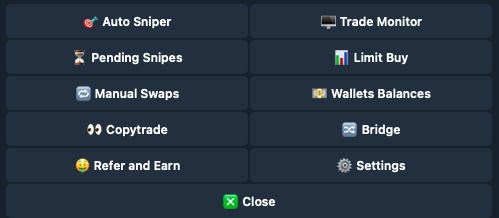
### Main Menu > Bridge
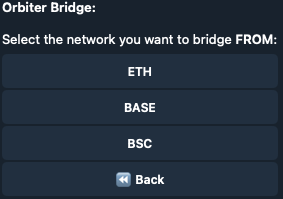
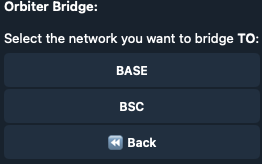
From and where you want to bridge.
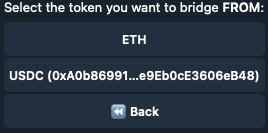
### 🟡 Select Token
Choose which token to bridge.
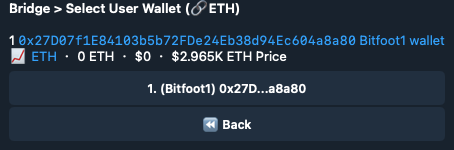
### [💳](https://emojipedia.org/credit-card) Select User Wallet
Choose the wallet from which funds are to be bridged.
### [💲](https://emojipedia.org/heavy-dollar-sign)Type Amount
Specify the amount to bridge.
### [✅](https://emojipedia.org/check-mark-button) Confirm
Execute the bridging operation after reviewing.